Real screens
What it looks like in your hand
Straight from the app — not mockups.
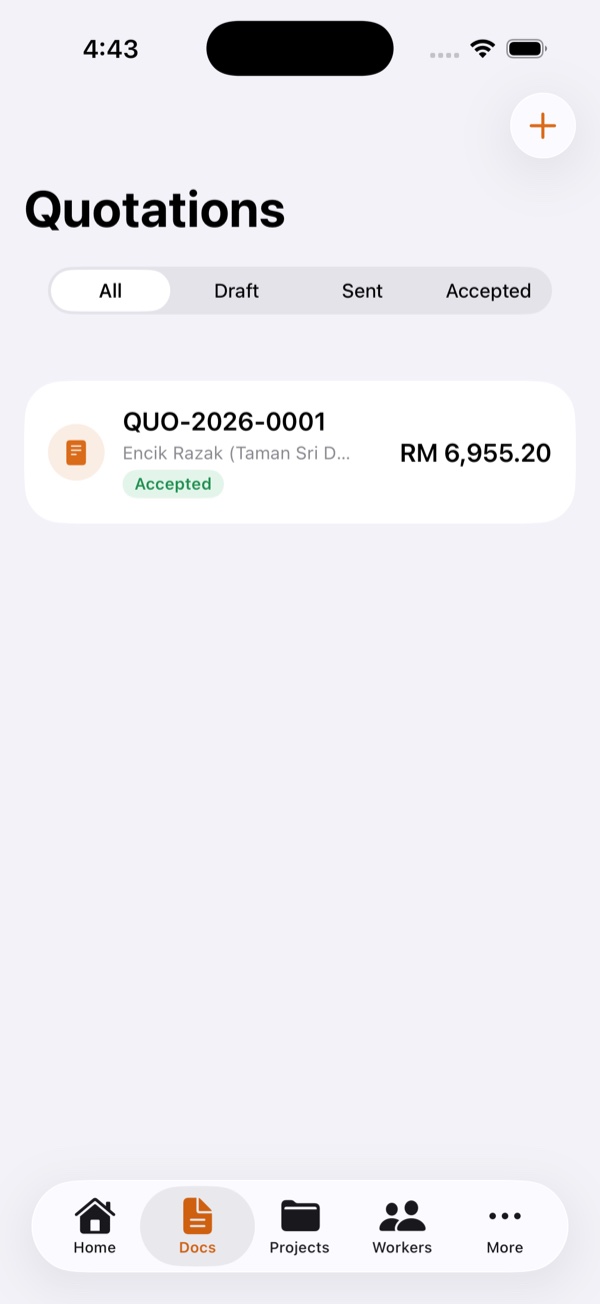
QuotationBuild & share in minutes
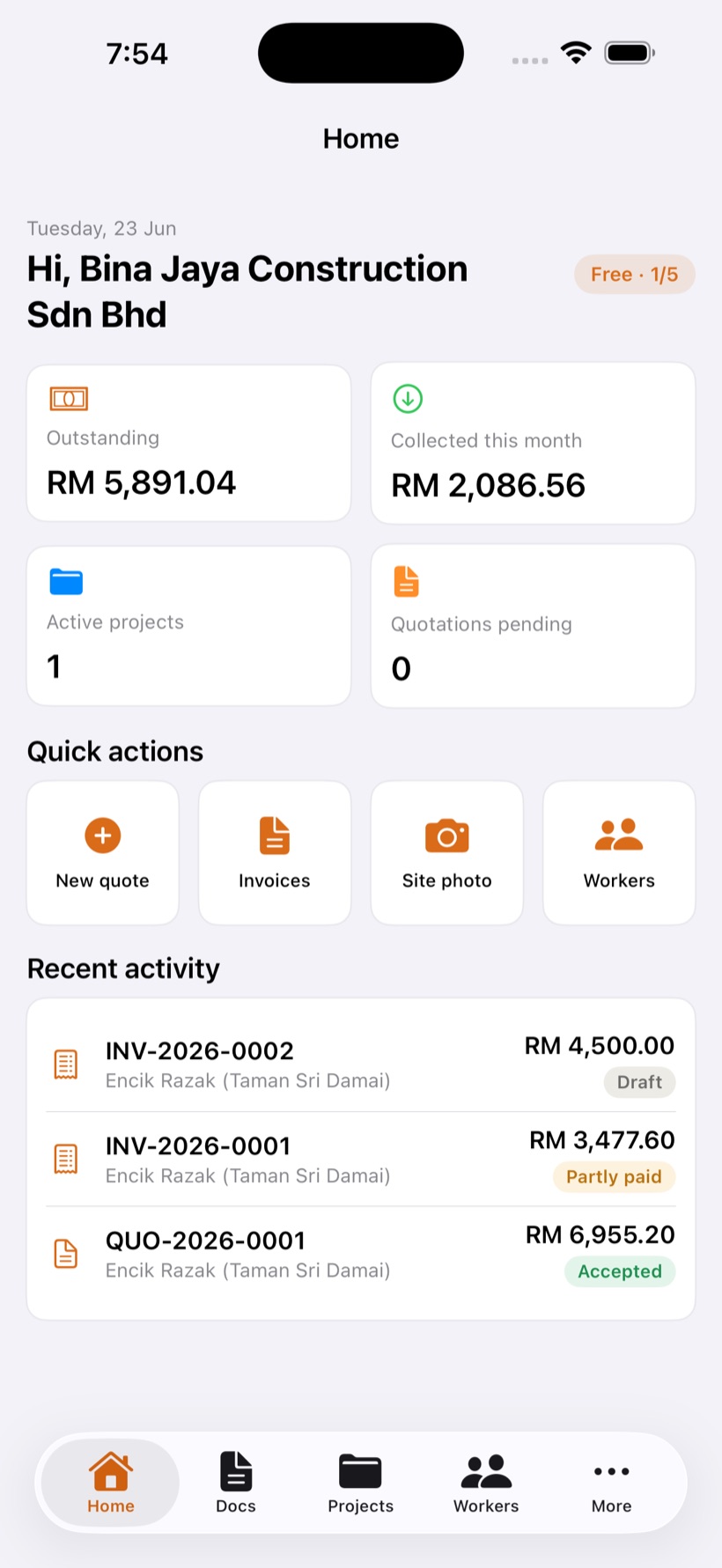
DashboardYour business at a glance
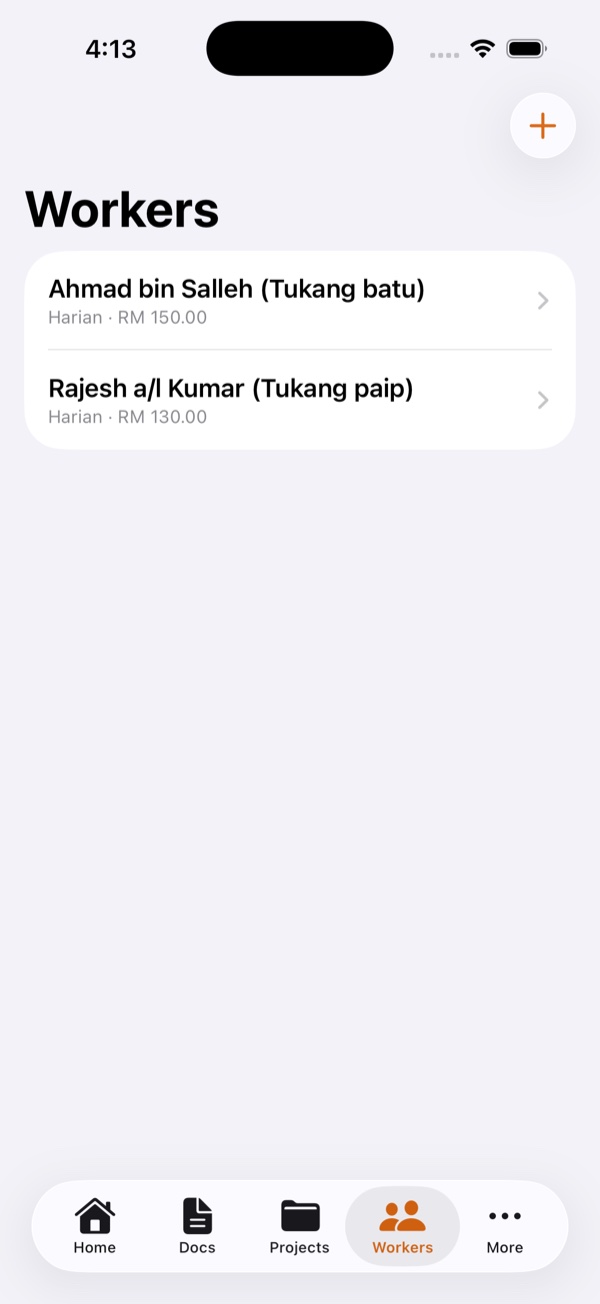
WorkersAttendance & wages
How to use
MORTAR walks with you from the first quotation to the final payment. Here's exactly how a job flows through the app — eight simple steps, all built to work on a busy site.
Sign up in seconds with your Apple ID or an email and password, then enter your company name, SSM number and CIDB grade. This appears on every quotation and invoice you send, so clients see a professional document with your real details.
Add line items with quantity, unit and price, apply a discount and SST if needed, and MORTAR does the maths to the sen. Tap once to share a clean PDF straight to WhatsApp.
Once the client says yes, one tap turns the quotation into a live project and raises a 50% deposit invoice automatically. No re-typing the numbers.
Snap watermarked progress photos, log expenses and mark worker attendance — all of it works with no signal. Everything syncs by itself the moment you're back online.
Enter the cumulative percentage of work done and MORTAR handles the retention for you. Certify the claim and convert it into a progress invoice in seconds.
Track outstanding balances and aging at a glance, and record payments as they come in. Add your bank details once in Settings and they print on every invoice, so clients know exactly where to pay. LHDN e-Invoice support is on the roadmap.
Flip on a read-only link and your client can follow progress and payments themselves. They never see your costs or margins — only what you choose to show.
Working with supervisors or staff? Open the Crew tab and tap Add person — or Add several to onboard the whole team at once. MORTAR generates each login; share the company code, phone and password over WhatsApp in one tap. Your crew taps "Staff" and signs in — no email needed. Everyone you add also appears for daily attendance, and supervisors and staff never see your costs or margins.
Real screens
Straight from the app — not mockups.
On every site
No laptop, no paperwork at night. Run the whole job from your phone, right where the work happens.
Join the early list and be among the first contractors to run MORTAR on a real site.